
AI-Powered
Sales & Opportunity
System
Manage Your Sales Leads
Robust Sales & Opportunity
"Command Center"
Never Miss an Opportunity
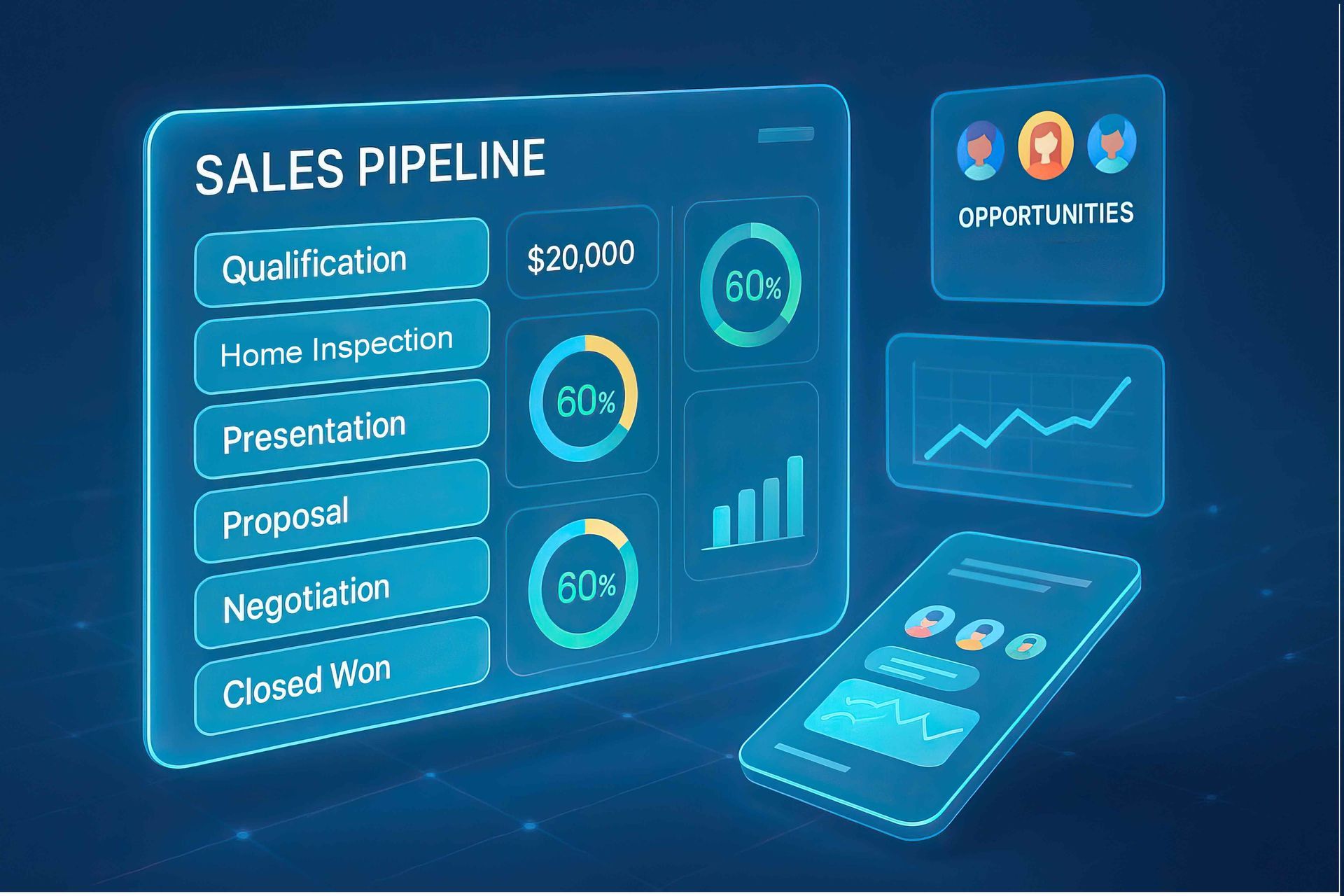
Opportunities and Pipelines provide homebuilders and remodelers with a centralized sales management system that tracks every lead from the initial inquiry through project completion. Using a visual, customizable pipeline, businesses can monitor the status of every prospect, organize project details, assign tasks, and ensure no opportunity is overlooked. Each stage of the sales process can be tailored to match the company's workflow, giving owners and sales teams complete visibility into where every project stands while improving communication between sales, estimating, and project management teams.
By combining automation with detailed reporting, pipelines eliminate repetitive administrative tasks while helping businesses close more deals. Automated follow-ups, appointment reminders, proposal tracking, and on boarding workflows keep prospects engaged without manual effort. Integrated dashboards provide valuable insights into lead sources, conversion rates, sales bottlenecks, and projected revenue, enabling builders and remodelers to make smarter business decisions. The result is a more organized sales process, faster response times, improved customer experience, and greater revenue predictability.
AI-Powered Sales & Opportunity Software to
Fully Monitor your Leads and Sales Process.
The Power of AI
in Sales & Opportunity Management
Complete lead management from the time they complete a form through the sales and proposal process to becoming a client. Track the entire sales process .... automatically.
Here's How:
A Visual, Real-Time View of Every Deal
- Pipelines are visual tools used to manage opportunities as they progress through various stages of a sales or service workflow, providing a clear view of each opportunity's status and helping teams track progress and identify bottlenecks.
- See every prospect — from first inquiry to signed contract — on a single, scrollable board
- Know at a glance who needs follow-up, who's stalled, and who's ready to close
- Perfect for managing the longer, more complex sales cycles common in construction and remodeling
Customizable Stages That Match Real-World Workflows
- Each pipeline consists of sequential stages representing steps in the customer journey, with opportunities moving from left to right as they advance. Stages should be clearly defined and action-oriented to guide progression.
- Build pipelines around how your clients actually sell — for example:
- New Client Screening Pipeline (for Remodelers):**
- New Inquiry → Discovery Call Booked → Budget Qualified
- → Site Visit Scheduled → Proposal Sent → Contract Signed → Onboarding
- New Build Pipeline (for Homebuilders):**
- Lead Captured → Lot Interest → Design Consultation
- → Financing Pre-Approval → Contract → Under Construction → Closed
- Stages can be renamed, reordered, added, or deleted, with control over reporting visibility for each stage.
Rich Opportunity Records — Everything in One Place
- Each opportunity stores the prospect's contact information, deal value, and historical notes, providing context for team members to take action efficiently.
- Track critical deal details:
- Project type** (kitchen remodel, addition, new build)
- Estimated deal value** (e.g., $85,000 contract)
- Lead source** (website form, referral, Facebook ad)
- Notes, tasks, and communication history**
- Opportunities progress through stages within a pipeline, reflecting real-world progress toward closing the deal.
Automation That Eliminates Manual Work
- Pipelines automate follow-ups, reminders, and task assignments based on stage changes.
- Workflows can be triggered when an opportunity is created, moves stages, or changes status, reducing manual work.
- Real-world automation examples for builders/remodelers:
- Lead fills out estimate form → opportunity auto-created in *"New Inquiry"* stage
- Opportunity moves to *"Proposal Sent"* → automatic follow-up email sent after 3 days
- Opportunity marked *"Won"* → onboarding task list assigned to project manager
- Appointment no-show → opportunity flagged and re-engagement SMS triggered
Team Collaboration Without the Email Thread Chaos
- Owners can be assigned, teammates tagged, and activity history tracked without relying on email threads.
- Assign specific opportunities to sales reps, project managers, or estimators
- Everyone on the team sees the same up-to-date status — no version confusion
- Ideal for builder offices where sales, estimating, and project management teams all touch the same lead
Revenue Forecasting & Performance Reporting
- Revenue can be predicted by analyzing the number of deals in each stage and their expected values (Stage-Based Forecasting).
- Dashboards and reports provide insights into win rates and bottlenecks across sales representatives or products.
- Understand:
- Which lead sources convert best (Facebook ads vs. referrals vs. organic SEO)
- Where prospects are dropping out of the pipeline
- Average time to close by project type
- Projected revenue for the quarter based on open deals
Opportunity Statuses Prevent Leads from Falling Through the Cracks
- Opportunity statuses include Open (actively being pursued), Won (successfully converted), Lost (not successful), and Abandoned (neglected or no longer pursued).
- Analyzing Lost and Abandoned opportunities reveals patterns — are prospects dropping off at the proposal stage? Is pricing an objection? Is the response time too slow?
- Use this data to refine your clients' sales approach and improve conversion rates over time
Seamless Integration with the Entire "Tool Box" of Resources
- Owners can be assigned, teammates tagged, and activity history tracked without relying on email threads.
- Assign specific opportunities to sales reps, project managers, or estimators
- Everyone on the team sees the same up-to-date status — no version confusion
- Ideal for builder offices where sales, estimating, and project management teams all touch the same lead
Multiple Pipelines for Multiple Use Cases
Run **separate pipelines** for different purposes simultaneously:
| Pipeline Type | Purpose |
|---|---|
| Lead Screening | Qualify inbound inquiries before booking a consult |
| Active Projects | Track signed clients through project milestones |
| Referral Partners | Manage relationships with architects, agents, suppliers |
| Website/Marketing Leads | Track ROI from your marketing efforts per client |
| Upsell / Change Orders | Manage add-on opportunities with existing clients |
Best Practice Pipeline for Client Screening
Below are Examples of How AI-Built Automations Work with Opportunities
| Trigger Action | Process |
|---|---|
| New Inquiry Form | Auto: Send intro email + schedule call |
| Discovery Call Booked | Auto: Send pre-call questionnaire |
| Budget & Fit Qualified | Auto: Assign estimator task |
| Proposal Sent | Auto: Follow-up sequence starts |
| Negotiation | Contract Signed ✅ → Won or Not a Fit ❌ → Lost (with reason tracked) |
CustomBuilderPro
Free AI Growth Assessment
Learn How Your Business Shows Up in Google and AI Searches.
Check Out Our FREE 8-Point Assessment!
Receive Your Score Instantly!